Get started

Get your bar live
on DrinkLync.

There is no trial period. When you onboard, we build your venue with you and you go live as a customer. Choose how you want to start, or see your numbers first.

Already onboarded? Venue login.

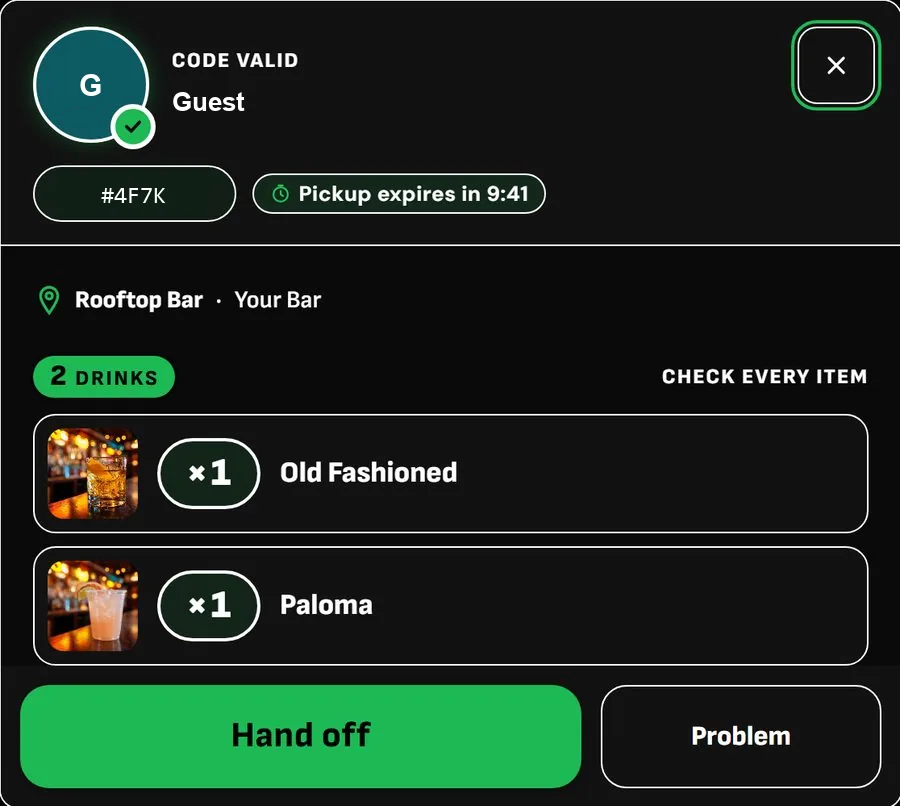
DrinkLync pickup iPad: a scanned order with every item checked before hand-off
Pickup iPad
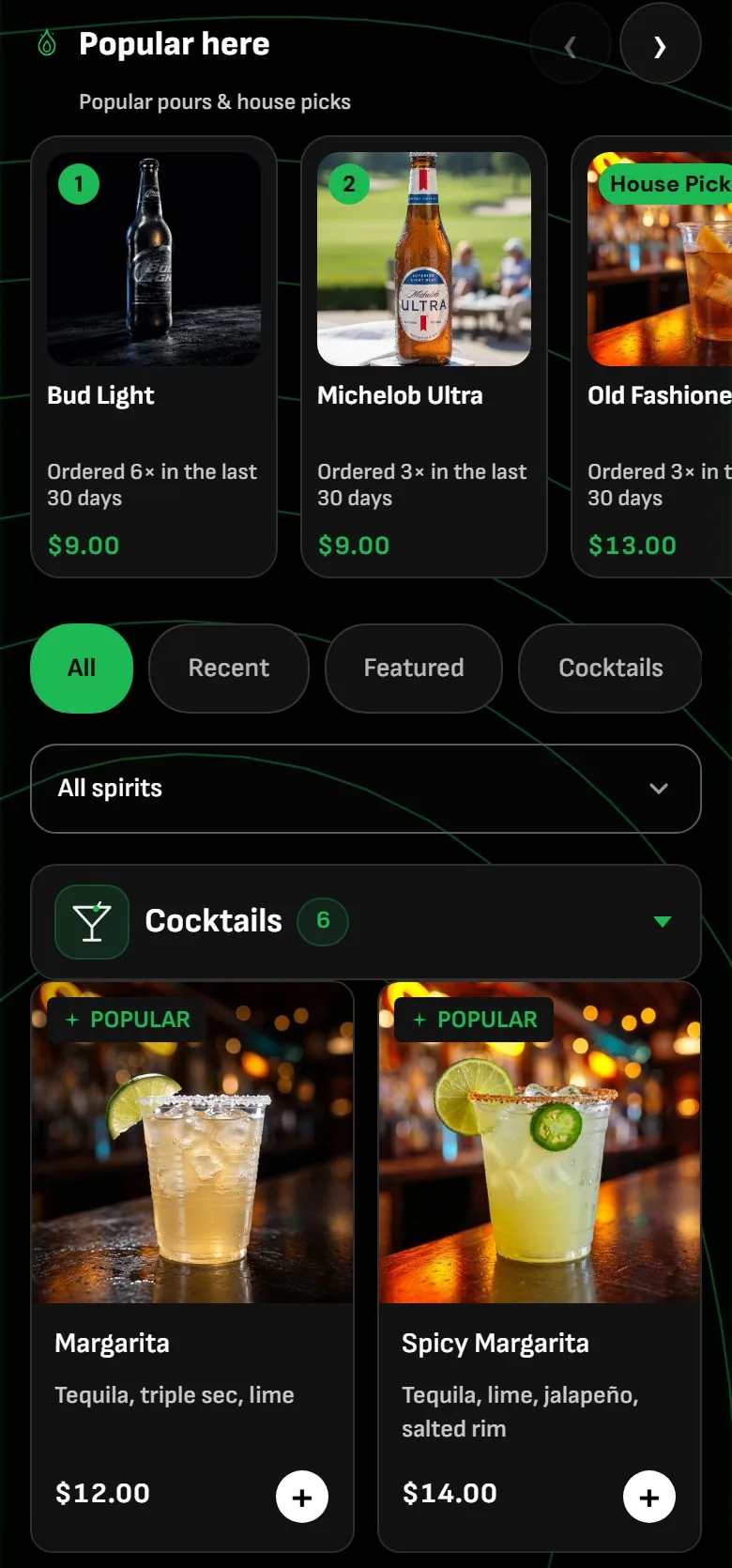
DrinkLync guest app: a bar's live menu with real drink photos and prices
Guest phone
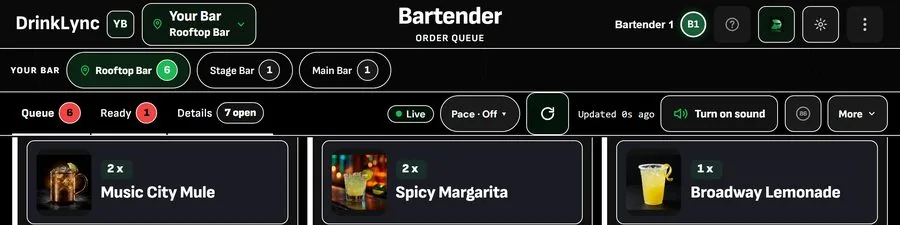
DrinkLync bartender iPad: one queue per bar with tonight's numbers on top
Bartender iPad
Three ways in

Pick how you want to start.

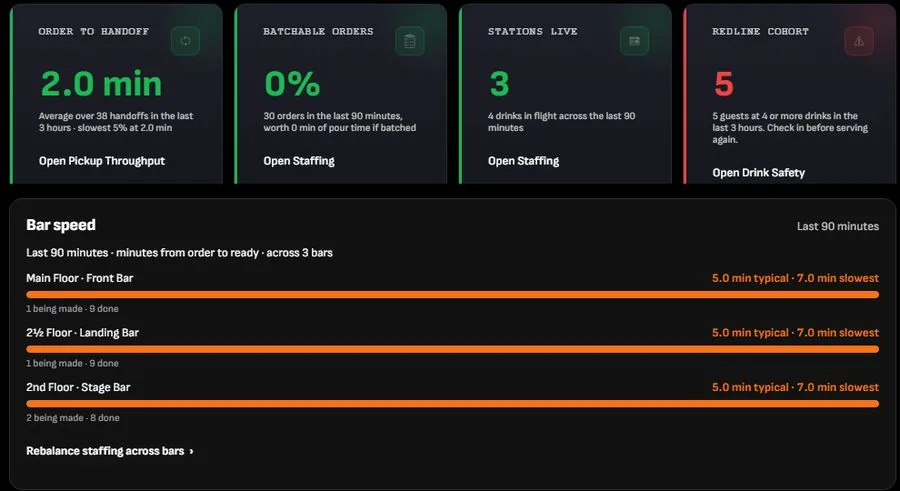
DrinkLync manager view: speed by bar with the next action
Self-serve

Set it up yourself

Create your venue account and the guided setup walks you through your menu, bars, stations, staff and your own Stripe account. Your progress saves as you go.

  • Start in minutes
  • Import your menu instead of typing it
  • A person reviews before you go live
Create your venue account
DrinkLync bartender iPad: one queue per bar with tonight's numbers on top
Done with you

We build it with you

Send your venue details. A person walks your venue with you on a call, builds it in DrinkLync and briefs your staff in one shift.

  • Two-minute form
  • Everything you enter carries into setup
  • In-person setup in Nashville
Send your venue details
An old fashioned on a dark bar top
Before you commit

See your numbers first

Put in your nights, bars and drink price. The calculator projects your value in three labelled scenarios, every assumption on the page, and nothing you type is sent.

  • Our real price beside your estimate
  • Break-even in busy nights
  • No email needed
See your numbers
What happens next

From sign-up to your first live order.

  1. Create your accountOr send your venue details and we start it for you.
  2. Build your venueMenu, floors, bars and stations, set up the way your room works.
  3. Connect and pairYour own Stripe account, and one iPad per station: yours or pre-configured by us.
  4. Brief and go liveOne shift briefing for your staff, then your first busy night on the system.

The full checklist DrinkLync runs before your bar takes a real order is on what it takes to go live.

Before you start

Straight answers.

Can we try it before we commit?
No. When you onboard, we build your venue and you go live as a customer. The way to try DrinkLync first is the calculator: it projects your value from your own inputs before you commit to anything.
Where does sign-up happen?
On app.drinklync.com, the same place you will run your venue from. It wears this site's header and footer, and your account, password and sign-in stay on the app.
What do I need to start?
Your name and email, your venue's name and city, and a rough idea of your peak nights. Everything else, from your menu to your Stripe account, is set up step by step. All questions and answers.
Do guests pay anything to use it?
No. Guests download the app at no cost (21+) and pay your menu price plus their tip. There is no DrinkLync fee on an order.